Why ROI Calculations for AI Are Usually Wrong
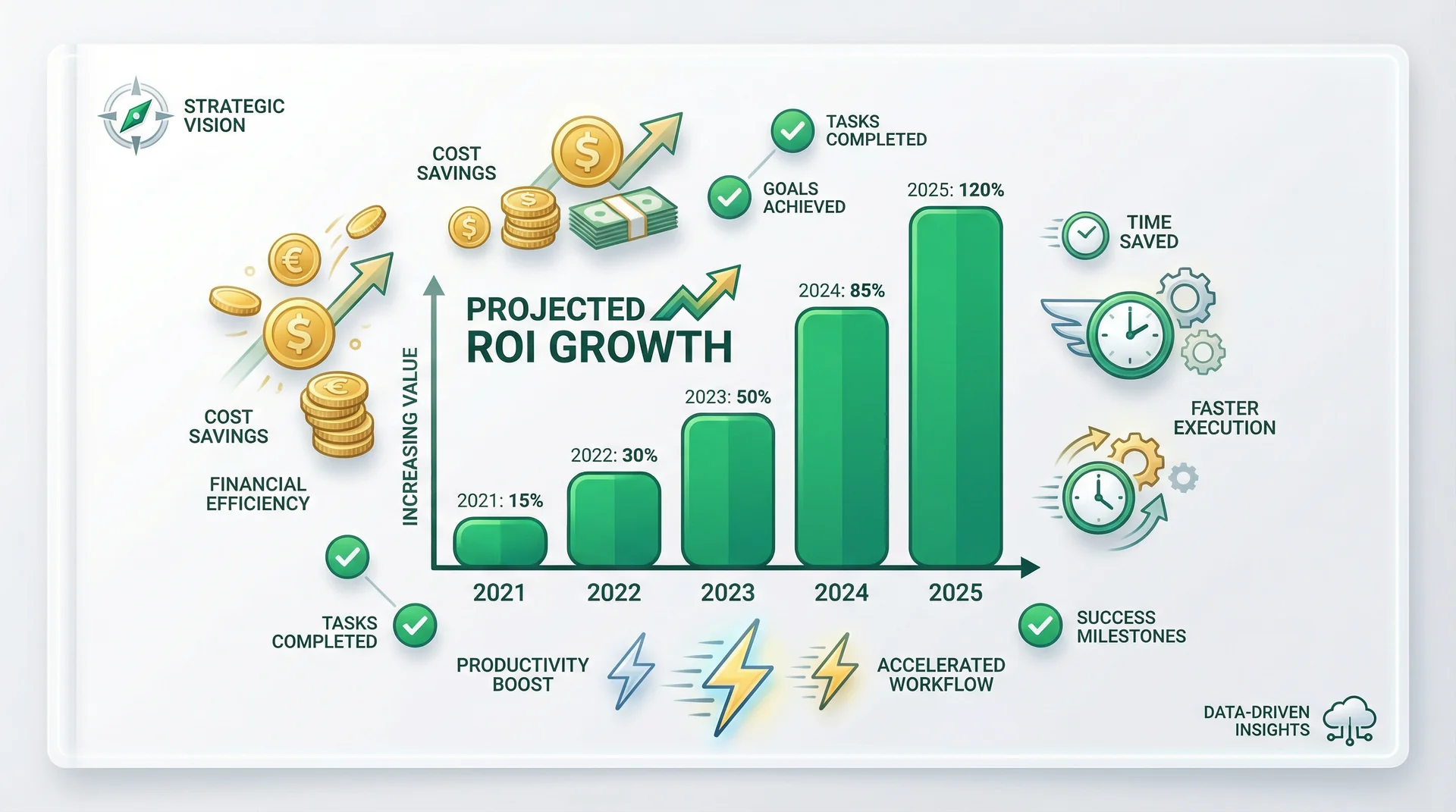
The AI industry has a credibility problem with ROI claims. Vendors publish case studies showing 300% returns. Analysts cite aggregate savings figures. Founders repeat those figures in board decks. By the time a number reaches a VP of Operations evaluating a procurement decision, it has been cited so many times that no one remembers whether it came from a rigorous study or a press release.
Most AI deployments fail to produce measurable ROI — not because the technology doesn't work, but because measurement frameworks are established after go-live, not before. The returns exist. The measurement discipline is what's missing.
Here are the four errors that make most AI ROI calculations wrong from the start:
- They count only labor cost savings. Labor cost is visible and easy to measure. But the full cost of a human employee includes recruiting, onboarding, training, benefits, management overhead, attrition, and the institutional knowledge lost when someone leaves. AI workers have none of these costs. A calculation that only captures labor cost dramatically underestimates the full comparison.
- They assume 100% task coverage. Most AI workers can handle 60–80% of tasks in their role category well. The remaining 20–40% require human judgment, novel context, or edge-case handling. A model that assumes full coverage will over-predict savings.
- They ignore ramp time. An AI worker is not plug-and-play. Knowledge base configuration, system prompt tuning, and integration testing take time — typically 1–4 hours per role for simple deployments, longer for complex ones. Models that don't account for ramp time show faster payback than reality delivers.
- They cherry-pick the best roles. Customer support ROI is not the same as legal research ROI. Receptionist ROI is not the same as senior SDR ROI. Applying the support automation benchmark to a legal review workflow will produce a fictional number.
A framework that acknowledges these constraints will produce a conservative estimate — and conservative estimates are the ones that survive board scrutiny.
The Three ROI Levers for AI Workers
Every credible AI worker ROI model comes down to one or more of three levers. Identify which lever applies to your specific role before building a number.
Lever 1: Labor Cost Deflection
Labor cost deflection is the clearest lever. An AI worker handles tasks that would otherwise require a human FTE's time. The deflection value is the labor cost of the time recaptured.
How to measure it: (Hours saved per week × loaded hourly rate) × 52 weeks = annual deflection value. Use loaded rate — include benefits, management overhead, and desk cost. Using base salary alone underestimates the saving.
Where it works best: High-volume, repetitive roles with stable task definitions. Customer support (ticket handling), data entry, scheduling, and report generation are the strongest categories. Industry benchmarks consistently show 40–60% of L1 support ticket volume is automatable without degrading customer experience.
Where it doesn't work: Judgment-heavy roles — senior sales, complex legal review, strategic analysis, negotiation. For these roles, the AI worker contributes but does not deflect. Use a different lever.
Lever 2: Revenue Acceleration
Revenue acceleration applies when an AI worker expands capacity for revenue-generating activities — either by handling more volume or by eliminating the gaps where revenue currently leaks.
How to measure it: (Additional qualified leads per month × average deal value × close rate) = monthly revenue acceleration. For inbound lead capture, a simpler version: (Missed calls per month × estimated lead conversion rate × average deal value).
Where it works best: Any role that touches inbound revenue. An AI receptionist that captures after-hours calls generates revenue that would otherwise be lost — not deferred, lost. A missed inbound call from a high-intent buyer rarely results in a callback. An AI SDR that contacts new leads within 5 minutes of form submission — versus waiting hours or days for a human rep to respond — demonstrably improves pipeline velocity.
Real example: A professional services firm with 40 inbound calls per month misses 18 after hours. If average project value is £8,000 and 1 in 5 callers would convert, those 18 missed calls represent approximately £28,800 in annual missed revenue. An AI Receptionist at a fraction of that cost is not a technology purchase — it is a revenue recovery decision.
Lever 3: Error and Rework Reduction
The third lever is the most underrated. AI workers apply rules consistently, at scale, without the variation that comes from human fatigue, distraction, or differing interpretations of policy.
How to measure it: (Error rate before AI deployment × cost per error × monthly volume) − (Error rate after deployment × same factors). Both before and after need measurement — which is why establishing a baseline before go-live is critical.
Where it works best: Data entry, compliance checking, document classification, invoice processing, and any workflow where errors have downstream costs — rework time, customer complaints, regulatory penalties, or financial corrections.
Where it doesn't work: Novel situations that fall outside the training distribution. An AI worker applying a consistent rule set to an unprecedented scenario will apply the wrong rule consistently — which is, in some ways, worse than a human making an error. Design escalation paths for novel cases.
The Hidden Costs Most ROI Models Miss
Intellectual honesty requires acknowledging the cost side of the ledger with the same rigour applied to the benefit side.
- Knowledge base setup: Every AI worker needs a knowledge base — your product documentation, support runbooks, pricing sheets, company policies. Preparing and uploading this content takes time. Factor in 2–6 hours per worker for a typical deployment.
- Prompt tuning: The system prompt that defines an AI worker's behaviour is not a set-and-forget configuration. The first version will be wrong in specific ways that only emerge when real users interact with the system. Budget 2–4 rounds of refinement before treating a deployment as production-stable.
- Escalation monitoring: Someone in your organisation needs to review AI worker escalations — not necessarily every one, but enough to identify patterns where the AI worker is misconfigured. This is not a high-time-cost task, but it is not zero.
- Integration and subscription costs: These are already included in AgentsHub pricing. In custom-built systems, API costs, hosting, and third-party tool integrations are separate budget lines that compound over time.
A badly configured AI worker can cost more than it saves. The ROI only materialises when the role definition is precise, the knowledge base is current, and the escalation paths are well-designed. This is not an argument against deployment — it is an argument for deploying thoughtfully.
Which Roles Have the Fastest Payback
Not all roles reach positive ROI on the same timeline. The variables are volume, task complexity, and how cleanly the role's output can be measured. Here is a realistic guide based on typical deployment patterns:
| Role | Payback Period | Primary ROI Lever | Risk Level |
|---|---|---|---|
| AI Receptionist | 2–4 weeks | Revenue acceleration | Low |
| AI Customer Support Agent | 4–8 weeks | Labor deflection | Low |
| AI SDR | 4–12 weeks | Revenue acceleration | Medium |
| AI Research Analyst | 6–12 weeks | Labor deflection | Medium |
| AI HR Specialist | 4–8 weeks | Labor deflection | Low |
| AI Compliance Checker | 8–16 weeks | Error reduction | Medium |
The AI Receptionist has the shortest payback period because the ROI lever (revenue from captured calls) is immediate and measurable from day one. The AI SDR has a wider range because SDR productivity depends significantly on market fit, outreach quality, and the lead quality of the list being worked.
The Enterprise Deployment Calculation
For organisations evaluating an enterprise-scale deployment, here is a worked example with conservative assumptions.
Scenario: A 200-person customer support team. L1 tickets represent 40% of total ticket volume. Average handle time per L1 ticket: 8 minutes. Loaded cost per support agent: £45,000 per year. Current L1 volume: 15,000 tickets per month.
Automatable volume: 15,000 × 40% = 6,000 tickets per month that fall within AI worker scope.
Labor time recaptured: 6,000 tickets × 8 minutes = 48,000 minutes = 800 agent-hours per month.
Loaded hourly rate: £45,000 ÷ 2,080 hours = £21.63 per hour, plus approximately 30% overhead = £28 loaded.
Annual labor deflection value: 800 hours × 12 months × £28 = £268,800.
This is the labor lever only. It does not include the revenue acceleration from after-hours coverage, the error reduction from consistent ticket classification, or the management bandwidth freed when L1 volume no longer requires human oversight. Conservative estimate, single lever, no ramp time in this simplified illustration.
Randstad — which deploys AgentsHub across 30 countries — sees this calculation at the scale of a global workforce platform. For detail on enterprise deployment patterns, see the enterprise use case.
AgentsHub connects to Salesforce, Zendesk, and the tools your support team already uses — with no data migration required. See the AgentsHub vs. Salesforce Agentforce comparison for an enterprise-specific platform breakdown.
How to Build Your Business Case in Three Steps
A business case that will survive board scrutiny is built on data, not benchmarks. The path to defensible numbers is a pilot — and the path to a productive pilot is a precisely scoped starting role.
- Pick one role with clearly measurable output. The metric needs to exist before the pilot starts. Tickets resolved, calls captured, leads qualified — pick one number that your current systems already track. If you cannot measure the baseline today, you cannot measure the improvement in 30 days.
- Run a 30-day pilot. Configure the AI worker, connect the integrations, and run the system in parallel with your existing process for one month. Measure actual versus projected across your chosen metric. Identify the edge cases that generated escalations. Refine the system prompt. The pilot data is the business case — not the vendor's published benchmark.
- Use pilot data to justify the rollout. A 30-day pilot with real numbers is more persuasive than any ROI calculator. "We deployed an AI worker on our tier-1 support queue for 30 days. It handled 58% of volume with a 91% satisfaction rating on post-resolution surveys. Here is what that looks like at 10x scale." That is a business case that holds.
Book a demo with the AgentsHub team via the enterprise contact page and we will work through the ROI model for your specific team structure — before you commit to a single configuration decision.
For the broader context on what you are building toward, see: How Multi-Agent Orchestration Works.