What Is a Chatbot?
A chatbot is a software system that responds to user messages. In its original form, it was purely rule-based — "if user says X, show response Y." Modern chatbots use large language models to generate more natural responses. But the underlying model is still the same: the user speaks, the chatbot responds, the interaction ends.
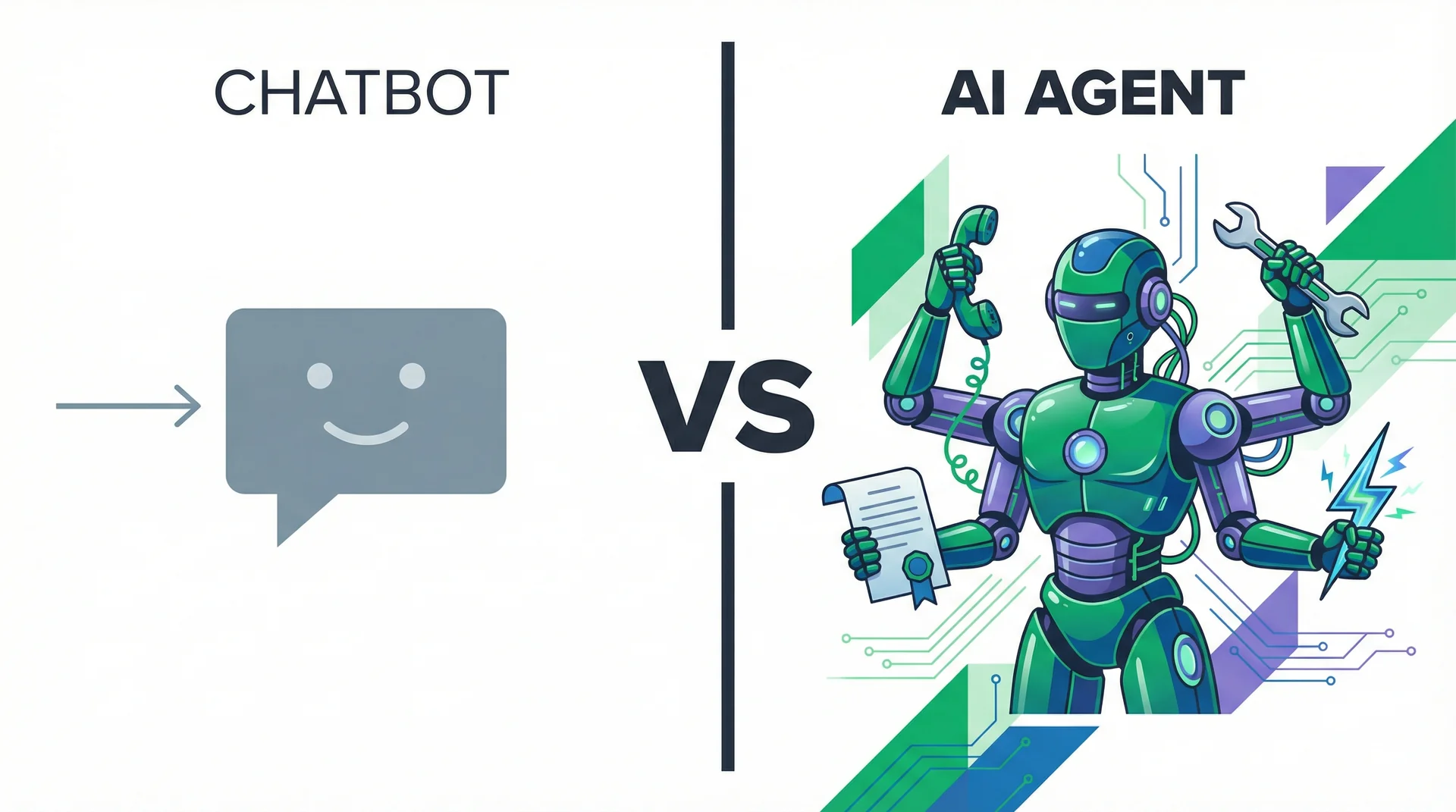
What chatbots do well:
- Answer frequently asked questions
- Route support tickets to the right queue
- Suggest knowledge base articles
- Handle simple, predictable inquiries at scale
What chatbots cannot do:
- Take actions in external systems
- Make decisions when inputs are ambiguous
- Initiate contact with a customer
- Call anyone on the phone
- Remember anything from a previous session (in most implementations)
Familiar examples: Intercom Fin, Zendesk bots, and older Drift. These are solid, mature products. They are also a one-lane road — the conversation can only go where the chatbot points it.
What Is an AI Agent?
An AI agent is a system that can plan, reason, and execute multi-step tasks using tools. Unlike a chatbot, an agent is not just responding — it is working. It can browse the web, call APIs, create documents, update databases, and chain together sequences of actions to complete a goal.
What agents do well:
- Complete complex, multi-step tasks
- Use APIs and third-party tools
- Reason through ambiguous inputs
- Act proactively based on a goal (not just react to a prompt)
What agents still cannot do (on their own):
- Maintain a consistent job identity over time
- Speak to a customer on the phone
- Work as part of a coordinated team without custom engineering
- Be deployed by a non-developer in production
Frameworks like CrewAI, LangGraph, and AutoGen let developers build genuine AI agents. They are powerful. They all require Python. They all require an engineer to build, deploy, and maintain them. For most businesses, that is a significant barrier — not because the technology isn't capable, but because the deployment overhead is too high.
What Is an AI Worker? (The Third Category)
An AI worker is a role-based AI system. It has a job title. It has access to the tools that job requires. It can speak on the phone. It can hand tasks off to colleagues. And it operates independently — across voice, chat, email, and SMS — without requiring a developer to configure each workflow.
What AI workers do well:
- Everything an AI agent can do
- Answer and make phone calls in natural voice
- Maintain a consistent persona and job scope across sessions
- Hand off to human colleagues or other AI workers at the right moment
- Deploy without code — from a job description, not a Python file
Examples on AgentsHub: AI Receptionist, AI SDR, AI Customer Support Agent. Each is a worker with a defined role, not a blank-slate agent you build from scratch.
Side-by-Side Comparison
| Capability | Chatbot | AI Agent | AI Worker |
|---|---|---|---|
| Decision-making | No (rule-based) | Yes | Yes |
| Tool access | Limited | Yes (via code) | Yes (via UI) |
| Voice & phone calls | No | Rare | Yes (native) |
| Multi-agent collaboration | No | Requires code | Yes (canvas) |
| No-code deployment | Yes | No | Yes |
| Job role concept | No | No | Yes |
| Dedicated phone number | No | No | Yes |
| Internal handoffs | No | Possible (coded) | Yes (visual) |
The Practical Difference: One Scenario, Three Outcomes
A customer calls your business at 11 PM on a Saturday. They have a billing question and want to know if they can upgrade their account before Monday's board meeting.
With a chatbot: "Our support team is unavailable. Please call back during business hours or submit a ticket." The customer submits a ticket. The lead goes cold over the weekend.
With a developer-built AI agent: The agent logs the inquiry to the CRM via API and sends an automated email acknowledgement. Better — but the customer is still waiting until Monday, and no one qualified the upgrade intent.
With an AI worker: The call is answered in natural voice. The AI worker identifies the billing question, resolves it using access to the billing system, and then — recognising the upgrade intent — qualifies the lead, books a Monday morning call with an account executive, and sends a briefing note to the AE before the weekend ends. The customer hangs up with their question answered and a call booked. The AE starts Monday with context.
This is the difference between reacting to a customer and actually serving them. The multi-agent canvas on AgentsHub is how this workflow gets configured — without writing a routing script or touching an API.
When a Chatbot Is Still the Right Tool
This is worth saying directly: chatbots are not obsolete. If your support volume is low, your FAQ inventory is stable, and customers do not need action taken on their behalf — a chatbot may be exactly what the situation requires.
A chatbot is the right choice when:
- You need to deflect high-volume, low-complexity ticket traffic
- Your customers just need information, not outcomes
- You already have a CRM workflow that handles escalations
- You do not have the setup time to configure a more capable system
The mistake is not using a chatbot. The mistake is expecting a chatbot to deliver outcomes it was not designed to produce — and then being surprised when customers complain that it doesn't understand them.
Five Signs You've Outgrown Your Chatbot
Most businesses do not decide to upgrade proactively. They wait until the symptoms become undeniable.
- Customers complain it doesn't understand them. In support ticket data, phrases like "your bot is useless" or "let me talk to a human" are signals. If resolution rates are stagnant despite chatbot coverage, the tool has hit its ceiling.
- It can answer but cannot act. If customers ask "can you update my delivery address?" and the chatbot can only say "please call us," you have a tool gap. An AI worker can make that CRM update in real time.
- After-hours calls go to voicemail. Every missed inbound call is a lost lead or an unresolved issue. If your chatbot cannot handle voice, you are not covered when it matters most.
- You are building integrations around its limitations. If your engineering team has spent weeks writing custom code to make your chatbot connect to your CRM, your calendar, or your billing system — that is engineering time you are paying to patch a product gap.
- You are hiring humans to do what the bot should handle. If you have a team of agents manually processing the escalations your chatbot generates, you have not automated the work — you have just moved where it happens.
Making the Switch: What to Expect
Upgrading from a chatbot to an AI worker is not a rip-and-replace operation. AgentsHub connects directly to your existing stack — including Zendesk, HubSpot, Salesforce, and the tools your support team already uses. The AI worker supplements the current setup, handling what the chatbot cannot, and escalating to human agents when judgment is required.
The configuration path on AgentsHub:
- Define the role (job title + system prompt = job description)
- Connect tools (select from the integrations library — no API work required)
- Add knowledge base (upload your existing support documentation)
- Configure escalation rules (which cases go to a human, and when)
- Assign a phone number (optional, but it's what separates a worker from an agent)
The AI Customer Support Agent is the natural upgrade path from a chatbot deployment. It inherits everything a chatbot does well — FAQ handling, ticket routing, knowledge base retrieval — and adds action, voice, and judgment.
For the full comparison between AI workers and developer-built agent frameworks, see the AgentsHub vs. CrewAI breakdown.
For context on what an AI workforce looks like at scale, read: What Is an AI Workforce? A Plain-English Guide.